Every folder as a grid of thumbnails
See your bookmarks the way you remember them: covers published by the sites (YouTube, oEmbed, og:image) or a capture of the page.
Resize the tiles, sort them, or put the ones with thumbnails first.
 Bookmark+
Add to Chrome
Add to Firefox
Bookmark+
Add to Chrome
Add to Firefox
Tags, notes and thumbnails on the bookmarks you already have — saved in the bookmark itself, so they keep working everywhere.
ORGANIZE
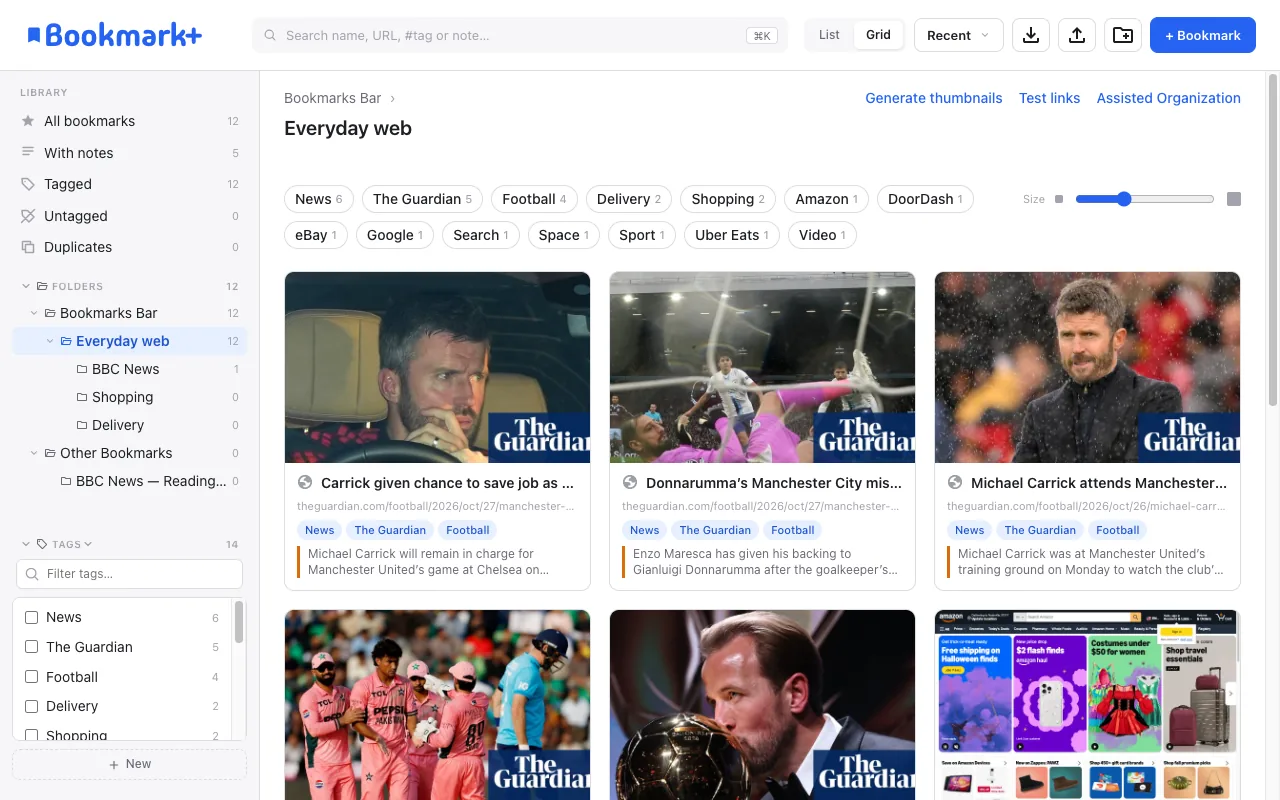
See your bookmarks the way you remember them: covers published by the sites (YouTube, oEmbed, og:image) or a capture of the page.
Resize the tiles, sort them, or put the ones with thumbnails first.
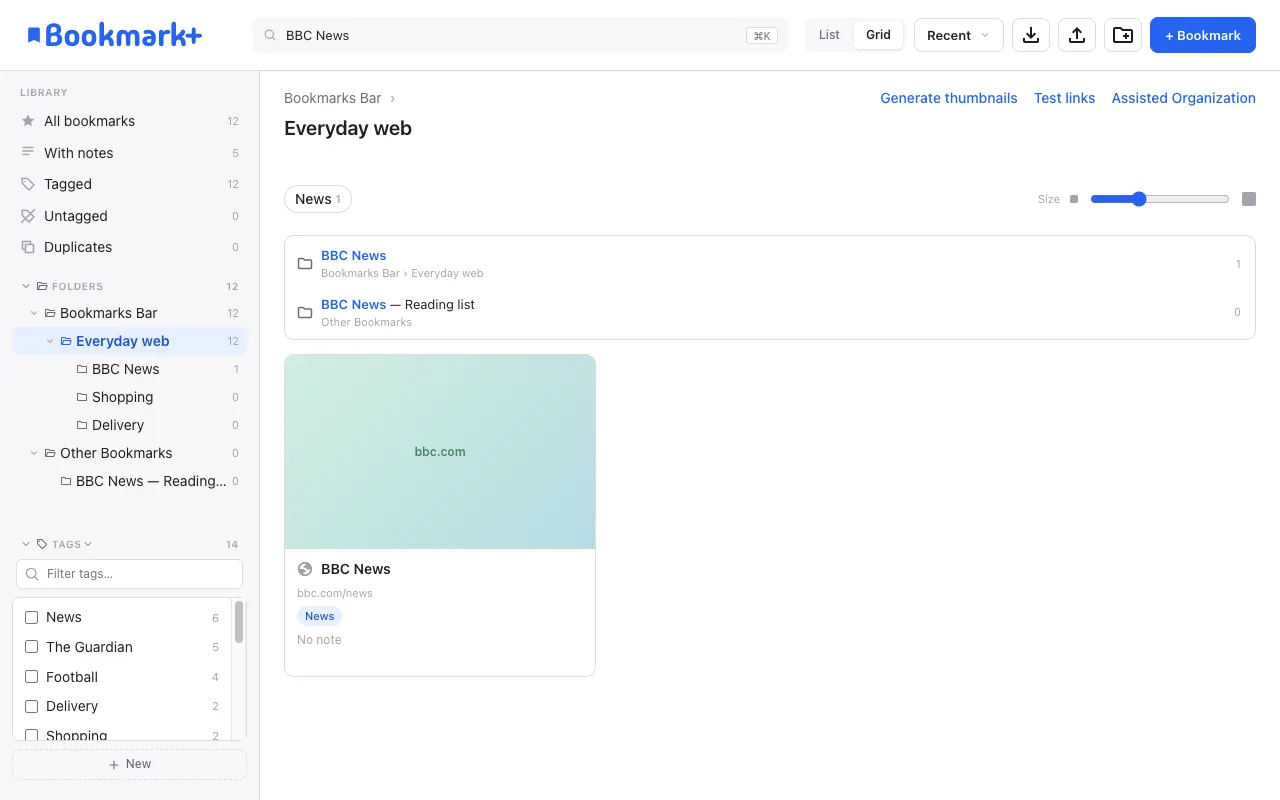
Matching folders appear above the bookmarks, with their path and how many bookmarks they hold. One click opens the folder in the side panel.
See every folder as a grid of thumbnails, or switch to a list with tags, notes, folder and dates in columns. Select several bookmarks with a rectangle and act on all of them at once.
CAPTURE
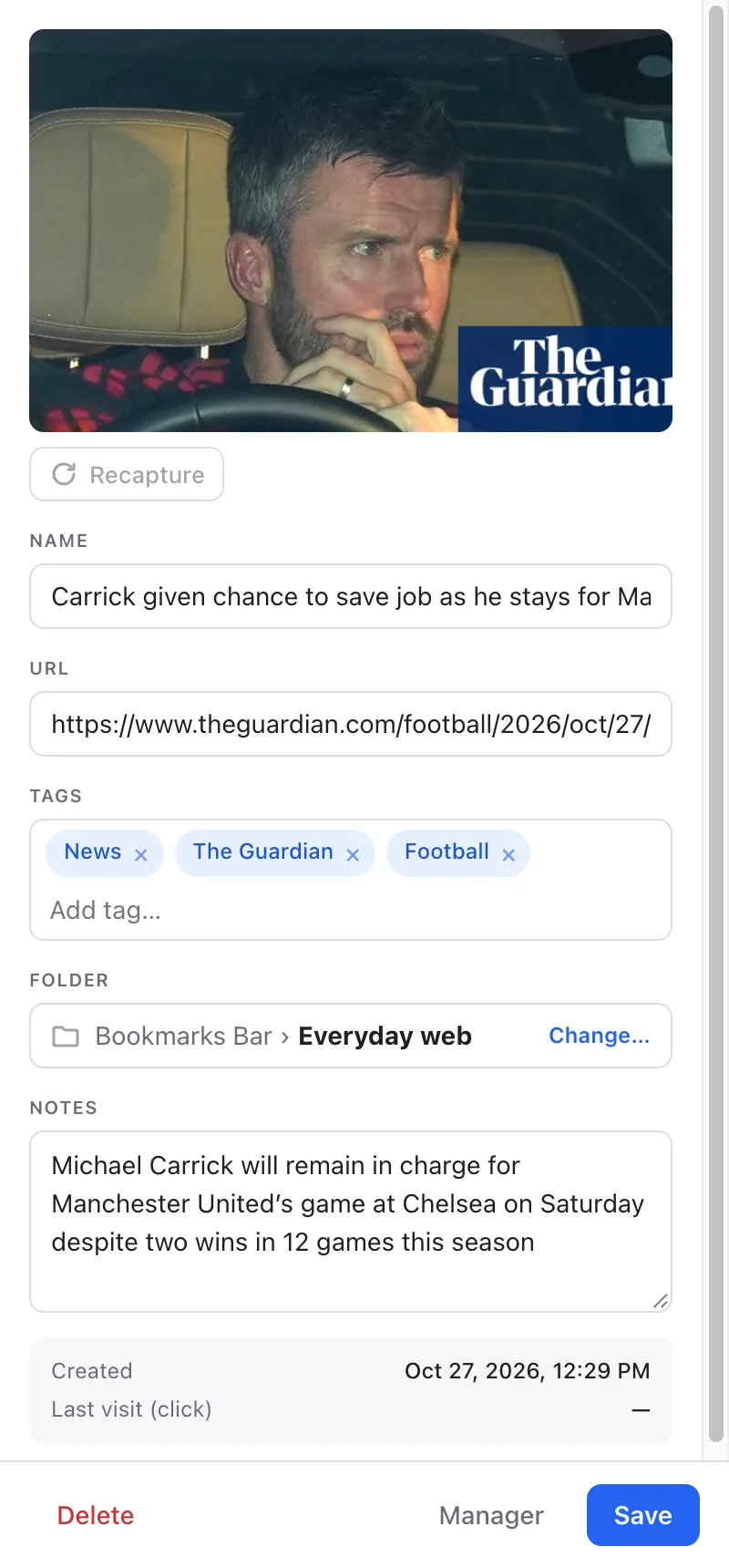
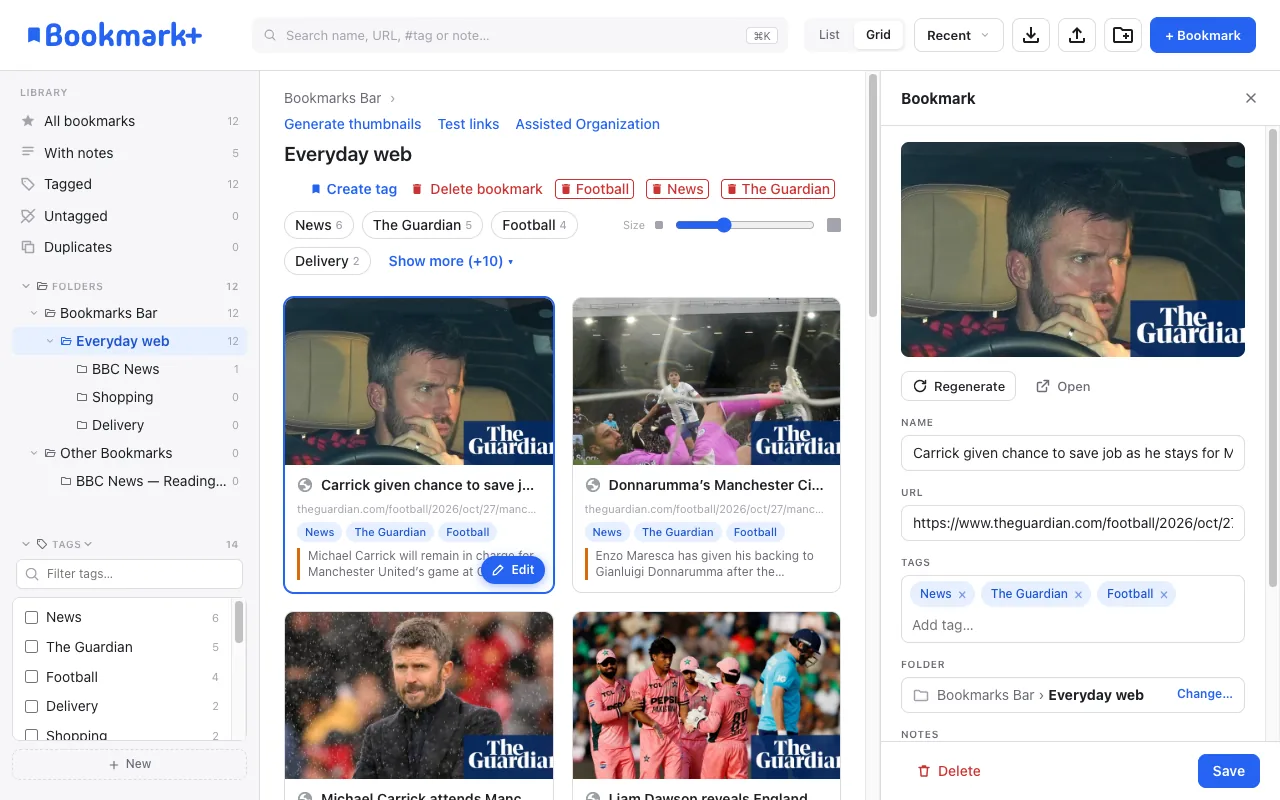
Press Alt+Shift+D, or click the icon, to bookmark the current page in the side panel — with folder, tags, notes and a thumbnail — while you keep browsing.
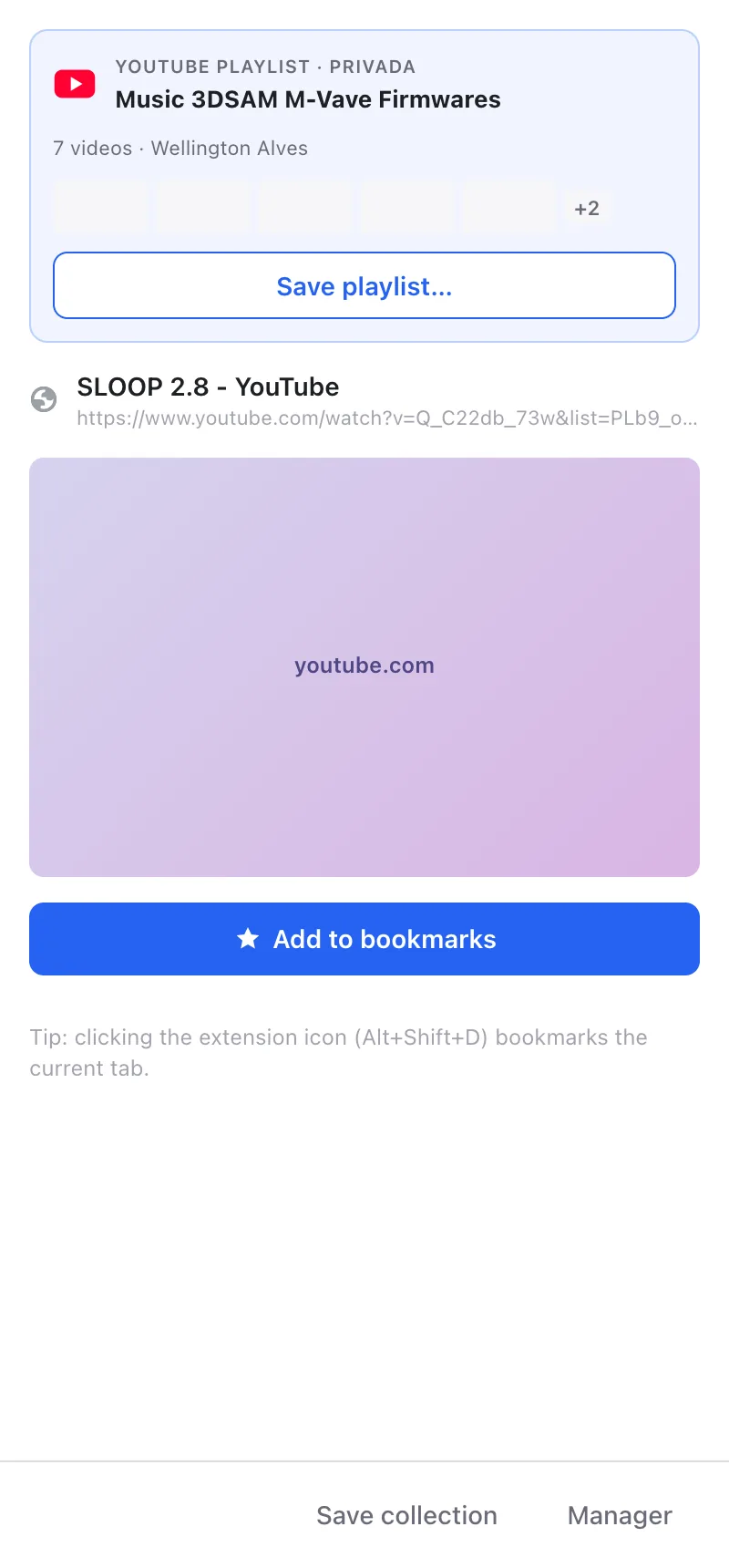

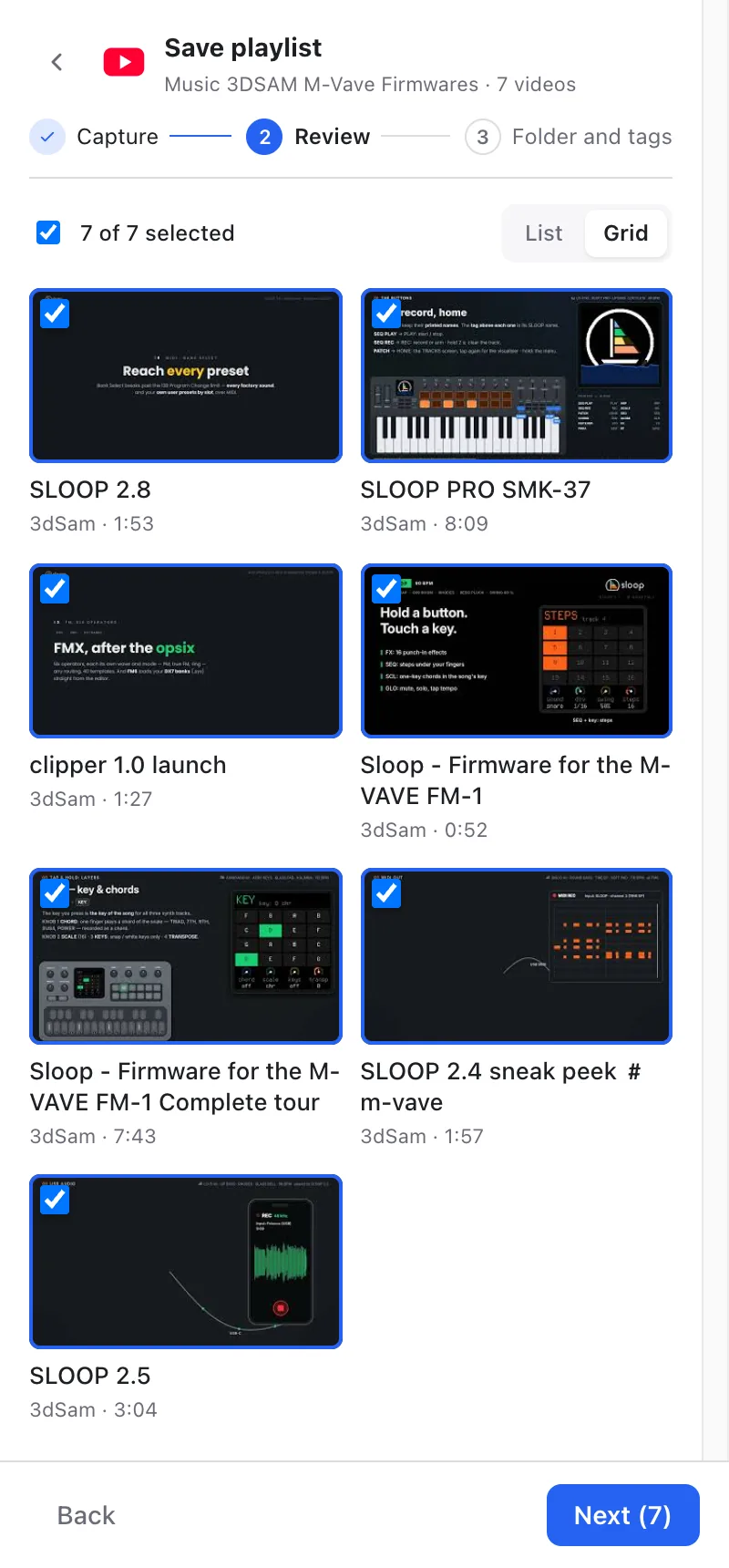
A YouTube playlist, an Instagram saved collection or a profile becomes bookmarks with names, notes, tags and thumbnails — in three steps:
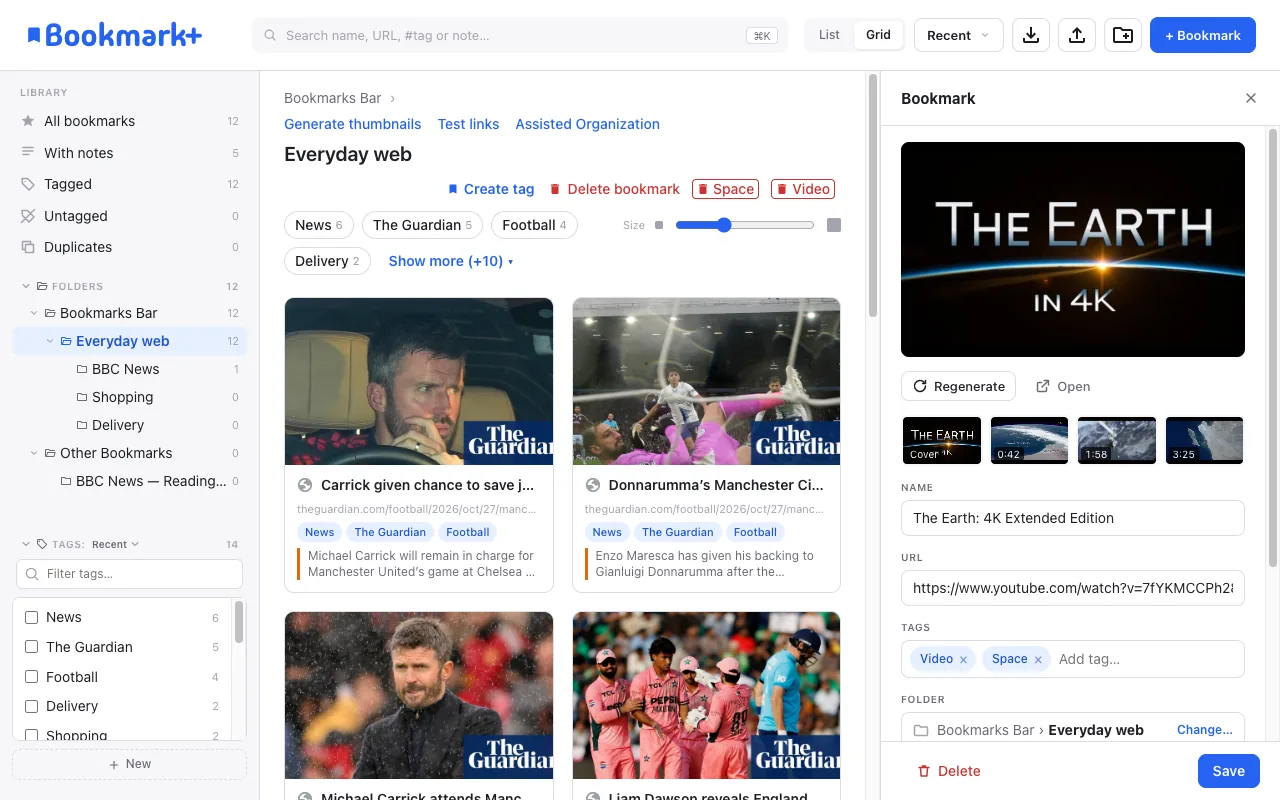
Capture moments of a video as a slideshow on the bookmark’s thumbnail, and jump back to that exact time.
KEEP IT HEALTHY
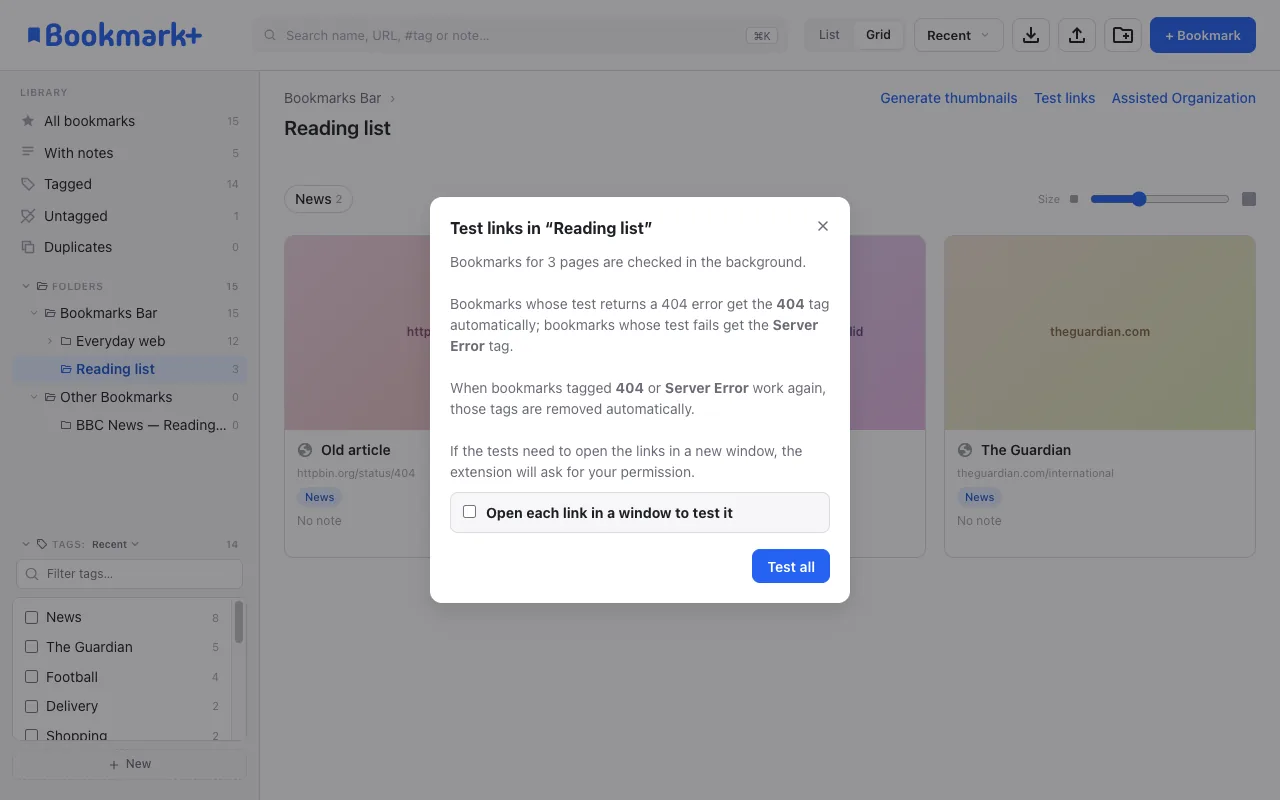
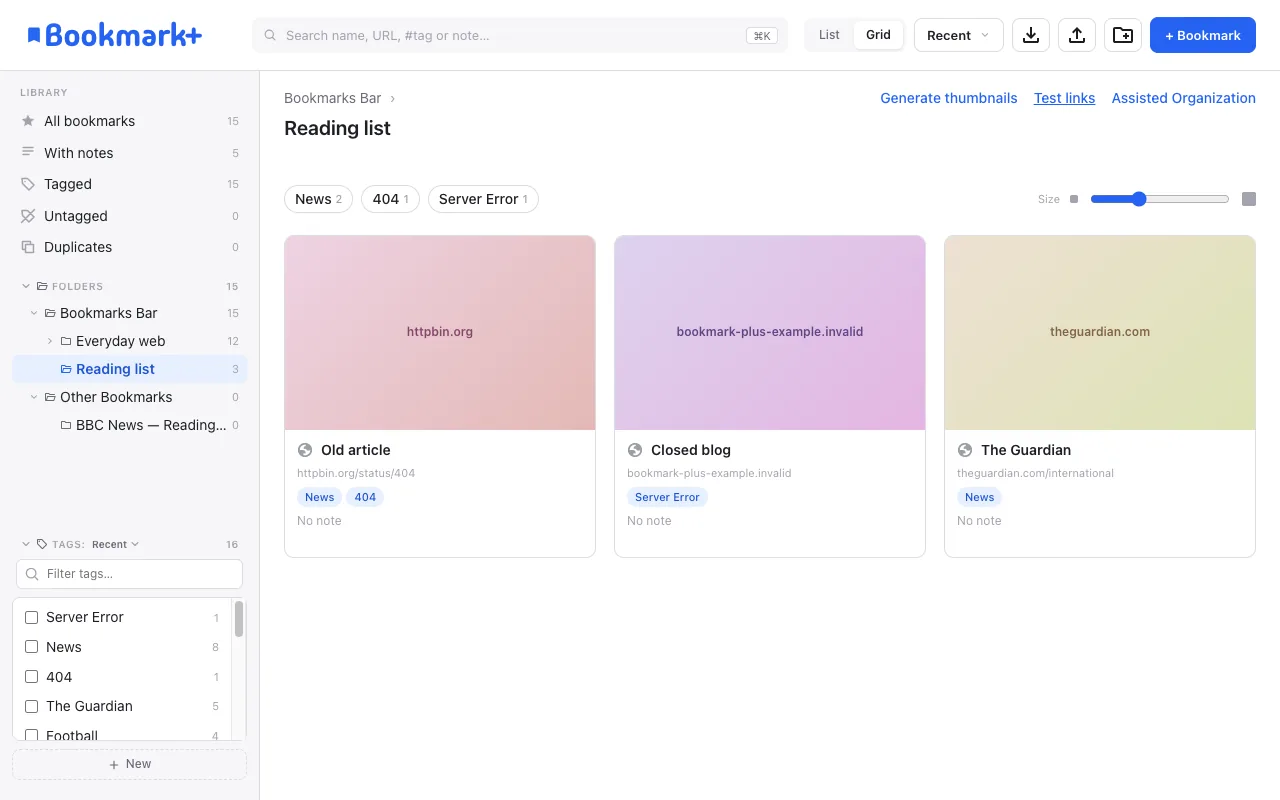
Pages that are gone get #404 and unreachable sites #Server_Error — and lose the tag when they come back.
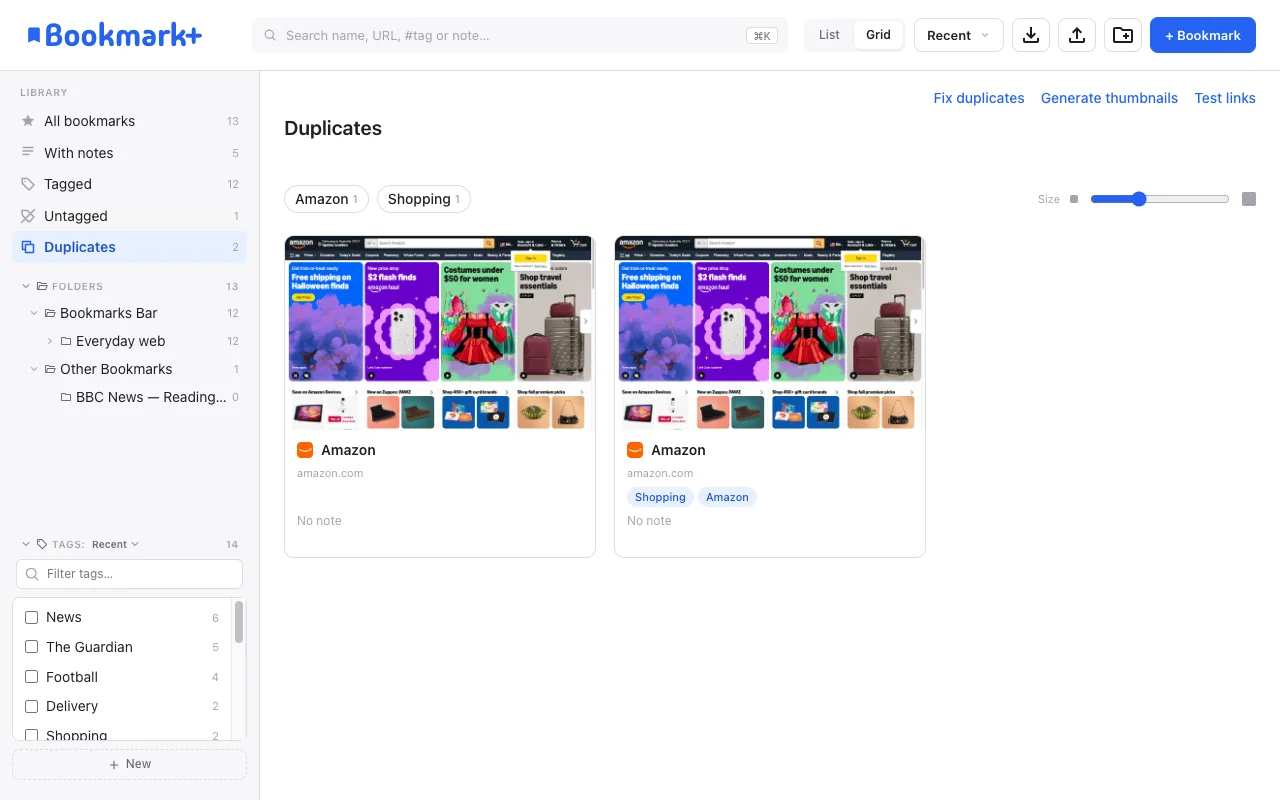
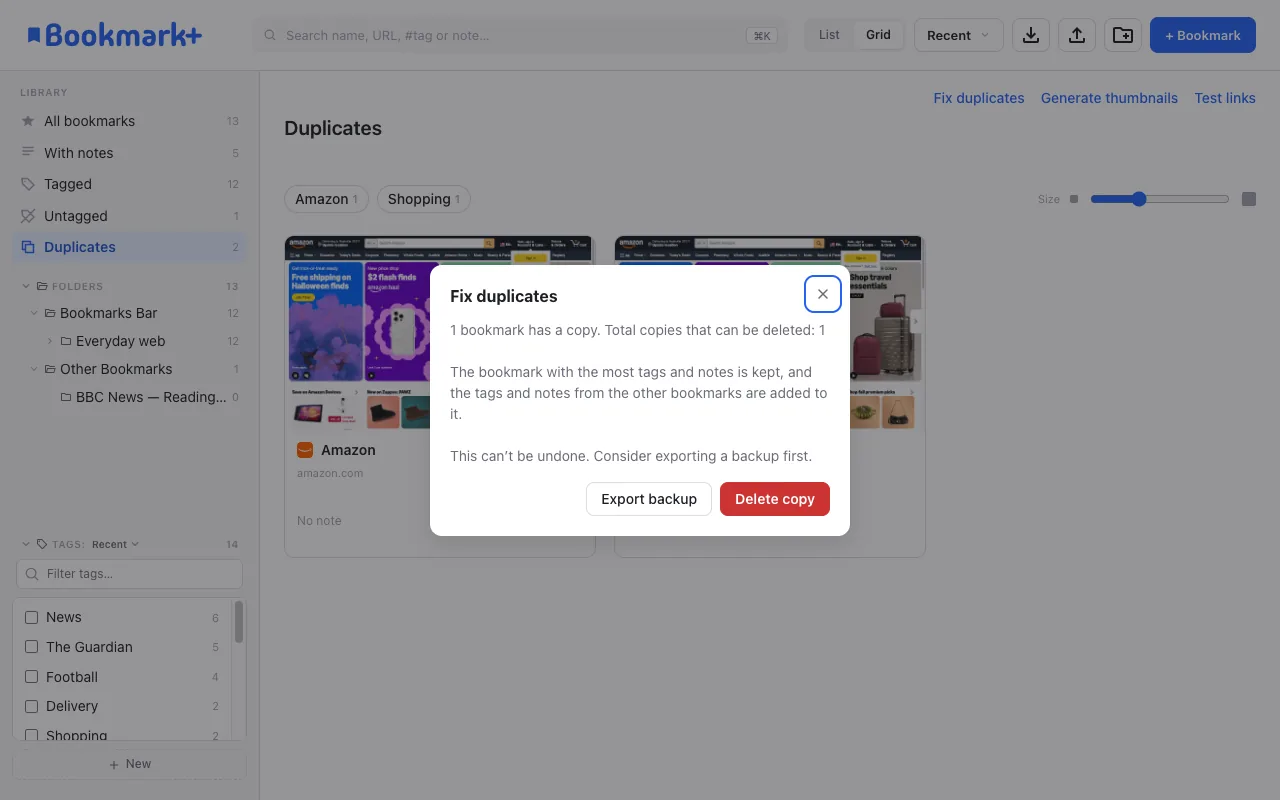
The Duplicates view gathers copies from every folder. One click keeps the copy with the most tags and notes, merges the rest into it and removes them.
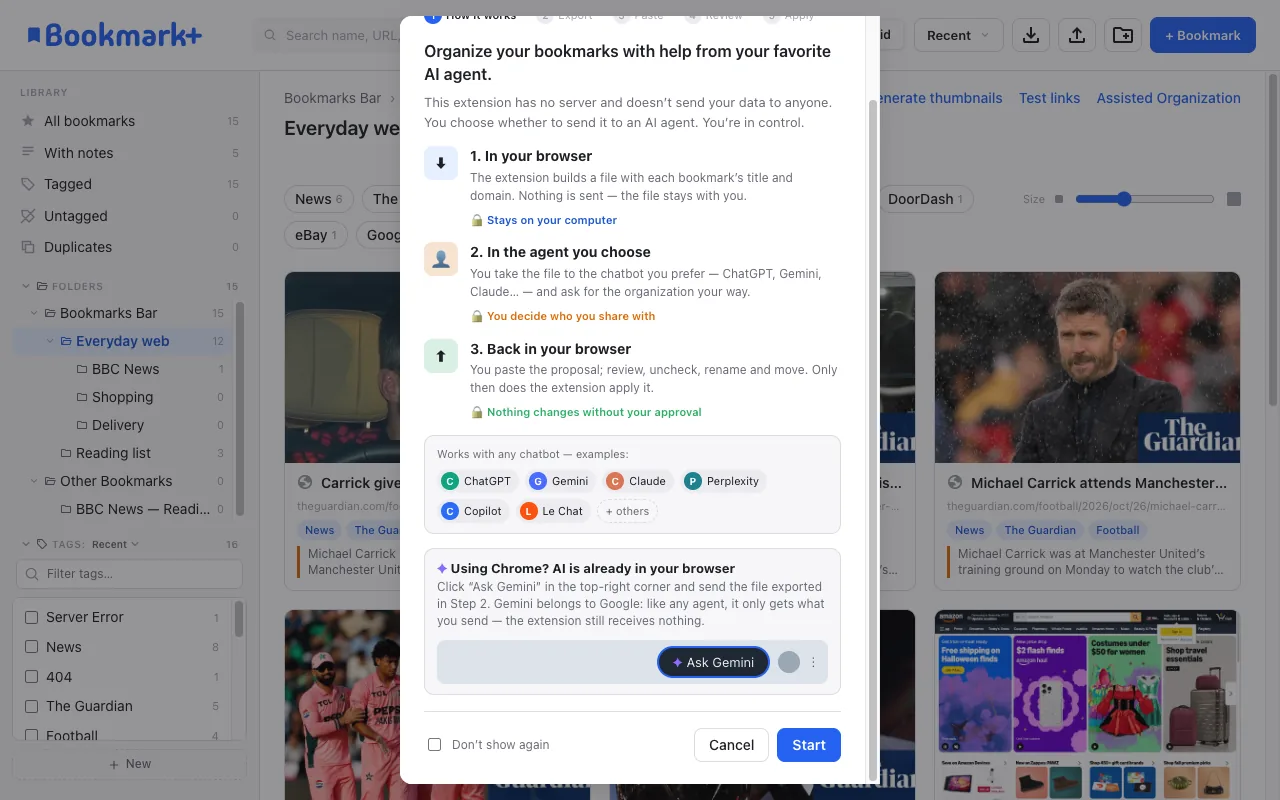
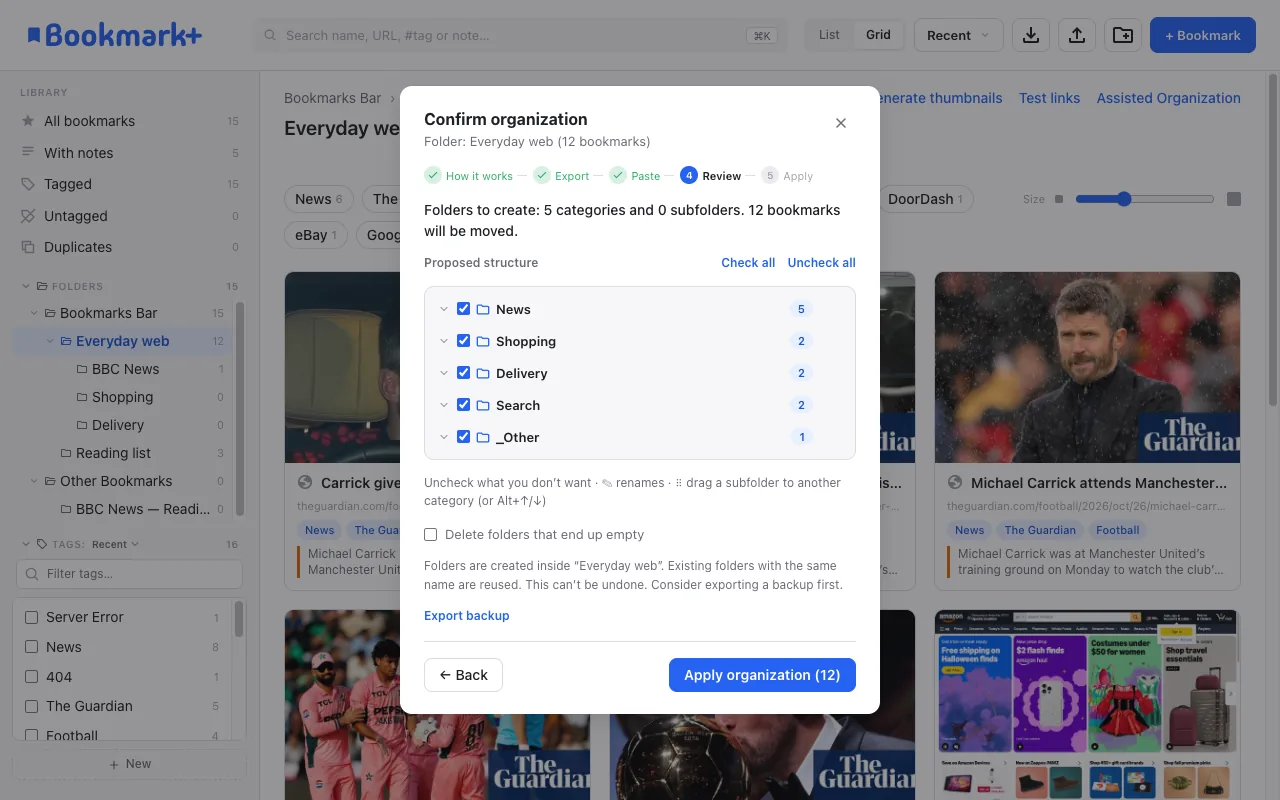
Export a folder, ask ChatGPT, Gemini or Claude to organize it, paste the answer, review the new folder tree and apply.
The extension has no server: you carry the data.
MORE
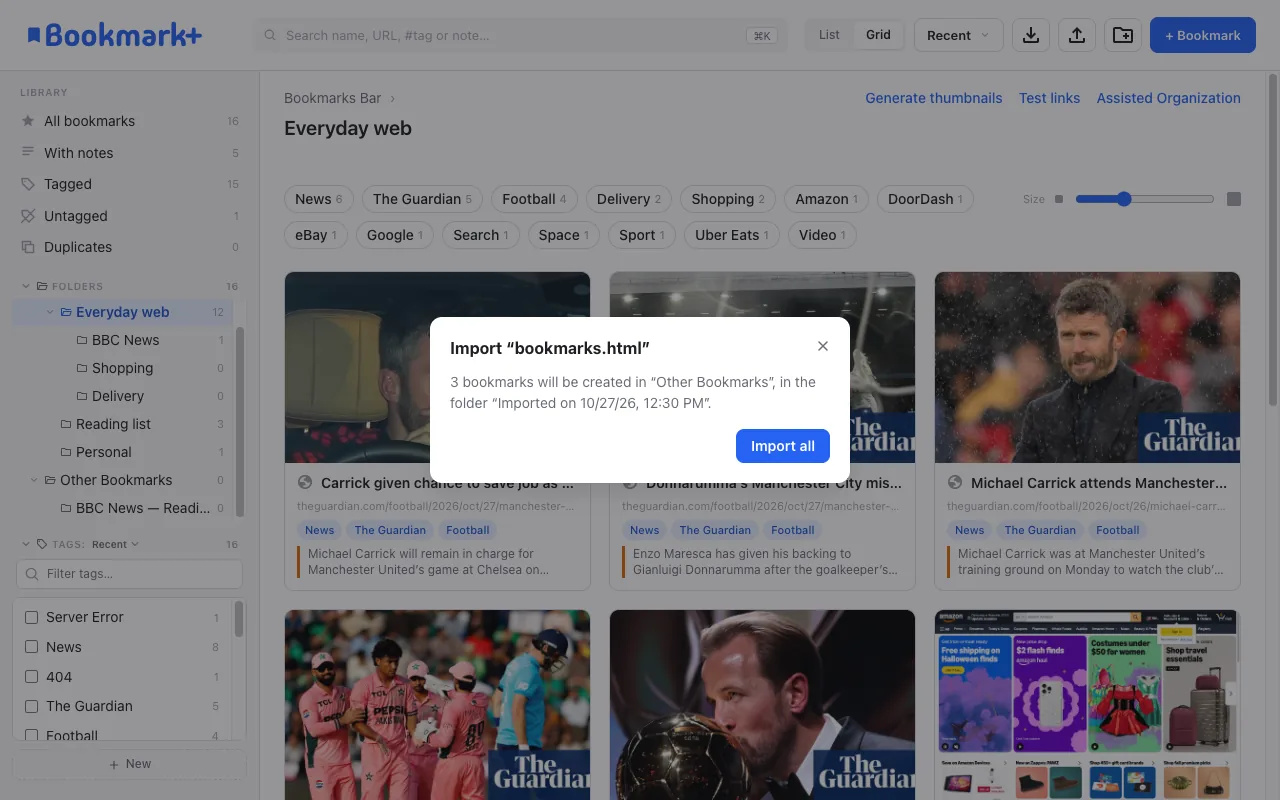
Bring bookmarks from another browser (HTML) into a folder of their own, skipping the ones you already have — and export everything back, with tags and notes.
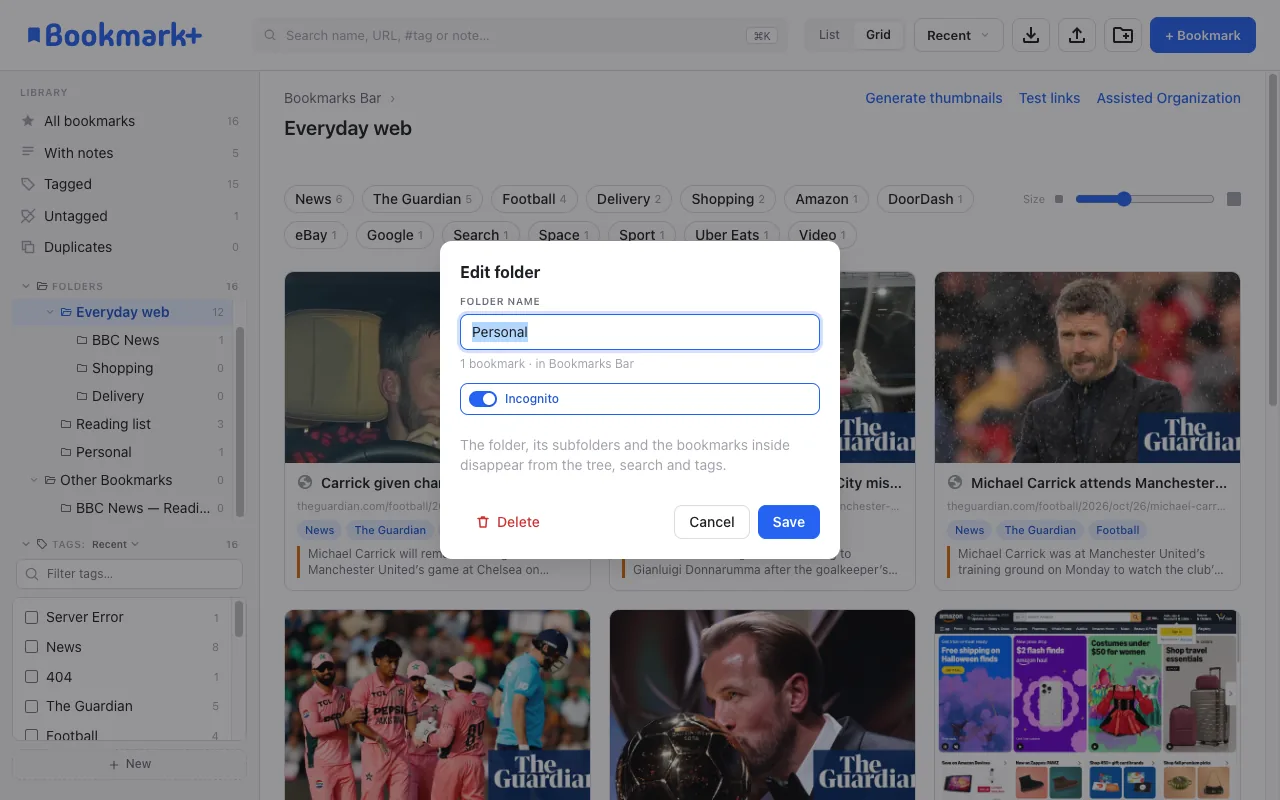
Hide private folders — and every bookmark inside — from the manager, search, tags and counts. The same folders stay hidden on your other computers.
No account, no server, no tracking. Nothing is sent to the developer.
Privacy policy and support ↗